Designing a Range-Doppler Heatmap That Renders in 6 ms on a Laptop GPU
Canvas 2D vs WebGL2 vs WebGPU, benchmarked on a 512×64 radar heatmap at 30 fps. Why I stayed on Canvas, the exact frame budget, and the moment I will switch.
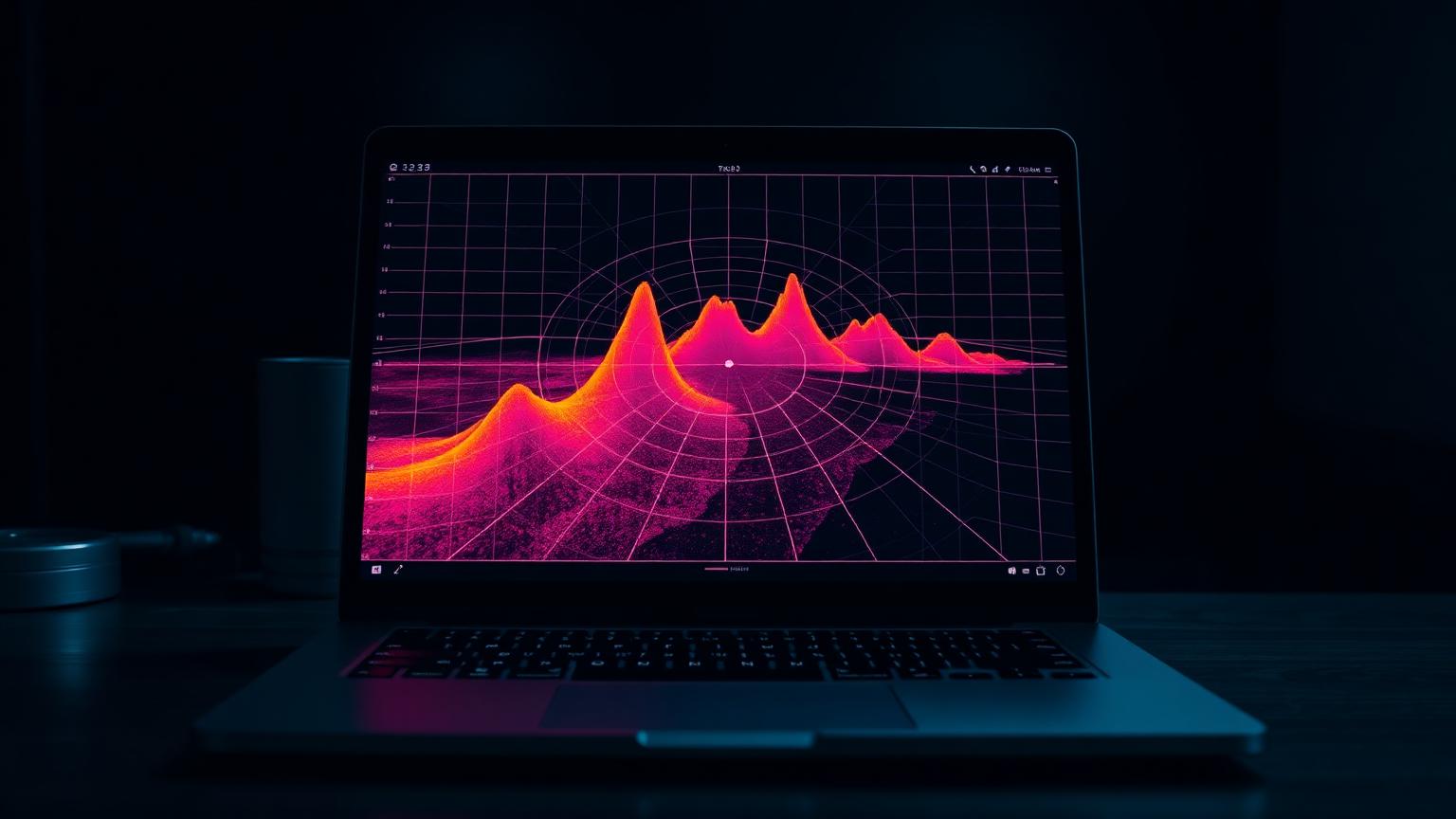
The CFAR pipeline produces a 512×64 Range-Doppler matrix thirty times a second. Each cell is a float between 0 and 1. The job of the frontend is to colour-map this matrix and draw it on screen with detection crosshairs overlaid. Sounds trivial. The implementation choice between Canvas 2D, WebGL2 and WebGPU turned out to be a more interesting decision than I expected.
What the renderer has to do
Receive a 32,768-cell Float32Array per frame over WebSocket.
Apply a perceptually uniform colour map (I use Viridis).
Scale to the canvas's CSS size, accounting for devicePixelRatio.
Overlay detection crosshairs from a separate JSON channel.
Stay under 16.7 ms per frame to hit 60 fps comfortably at 30 fps data rate.
Option A: Canvas 2D + putImageData
The simplest possible implementation: precompute a 256-entry RGBA lookup table for Viridis, walk the Float32Array, write RGBA bytes into a Uint8ClampedArray, and `ctx.putImageData(image, 0, 0)`. No shaders, no buffers, no context loss handling.
function renderCanvas2D(matrix: Float32Array, lut: Uint8Array, out: Uint8ClampedArray) {
  for (let i = 0; i < matrix.length; i++) {
    const v = Math.min(255, (matrix[i] * 255) | 0);
    const j = v * 4;
    const k = i * 4;
    out[k    ] = lut[j    ];
    out[k + 1] = lut[j + 1];
    out[k + 2] = lut[j + 2];
    out[k + 3] = 255;
  }
}
Then the browser scales the 512×64 ImageBitmap up to display size with `imageSmoothingEnabled = false` for crisp cell boundaries (or `true` for the smooth look).
Option B: WebGL2 with a fragment shader
Upload the matrix as an R32F texture, sample it in a fragment shader, do the colour map lookup in another 1D texture, draw a full-screen quad. The colour map becomes a one-line `texture(uLUT, vec2(value, 0.5))`.
// fragment shader
uniform sampler2D uMatrix;
uniform sampler2D uLUT;
in vec2 vUV;
out vec4 fragColor;

void main() {
  float v = texture(uMatrix, vUV).r;
  fragColor = texture(uLUT, vec2(v, 0.5));
}
Option C: WebGPU compute + render
Upload the matrix as a storage buffer, run a compute pass that writes a storage texture in one workgroup per row, render the texture in a second pass. The compute pass is overkill for this size but represents how you would scale to a 4K×4K heatmap.
Benchmarks
MacBook Air M2, Chromium 131. Same source data, same display size, same colour map. Median frame time over 1,000 frames.
Canvas 2D: 6.1 ms / frame
WebGL2: 1.4 ms / frame
WebGPU: 0.9 ms / frame + 12 ms setup on cold start
WebGL2 is 4× faster than Canvas. WebGPU is 6×. Both are dramatically inside the 16.7 ms budget. Canvas is also inside the budget, with 10 ms of headroom for everything else the page is doing.
Why I stayed on Canvas
The 6 ms version has zero context-loss handling, runs in every browser including the ones the user has not updated since 2022, does not need a shader compile step, debugs in the regular DOM inspector, and the source is twenty lines. The WebGL version is 200 lines, needs error handling for context loss, and saves 5 ms in a frame I am only spending 6 ms on.
Engineering judgment: optimise for the constraint that is actually binding. For a single 512×64 heatmap at 30 fps, the constraint is not frame time. It is code surface area and the probability that something is still working in eighteen months when I look at it again.
When I will switch
Matrix size grows beyond ~256×256 (Canvas walk becomes the bottleneck).
Frame rate target moves to 60+ fps.
Multiple heatmaps on screen at once (MIMO channel display).
Per-pixel post-processing that is hard to express on the CPU (log compression with adaptive floor, edge detection overlay).
Colour map matters more than the renderer
I spent more time picking the colour map than choosing the rendering API. The default 'jet' colourmap (rainbow from blue to red) is perceptually non-uniform and lies about your data: cyan and yellow get more visual weight than the gradient warrants. Viridis is the modern default for a reason; magma is better still for radar because the darkest end is true black, which lets faint targets pop.
Choosing the fastest renderer is easy. Choosing the renderer with the smallest surface area for the speed you actually need is the engineering call.